VLC decoder drops last frames of video clips
== Summary When the video finishes playing, you will find that the screen is not the last frame at all. VLC does not play last few frames of the video. If same file is played in WMplayer, it plays all the frames. How to fix this in VLC?
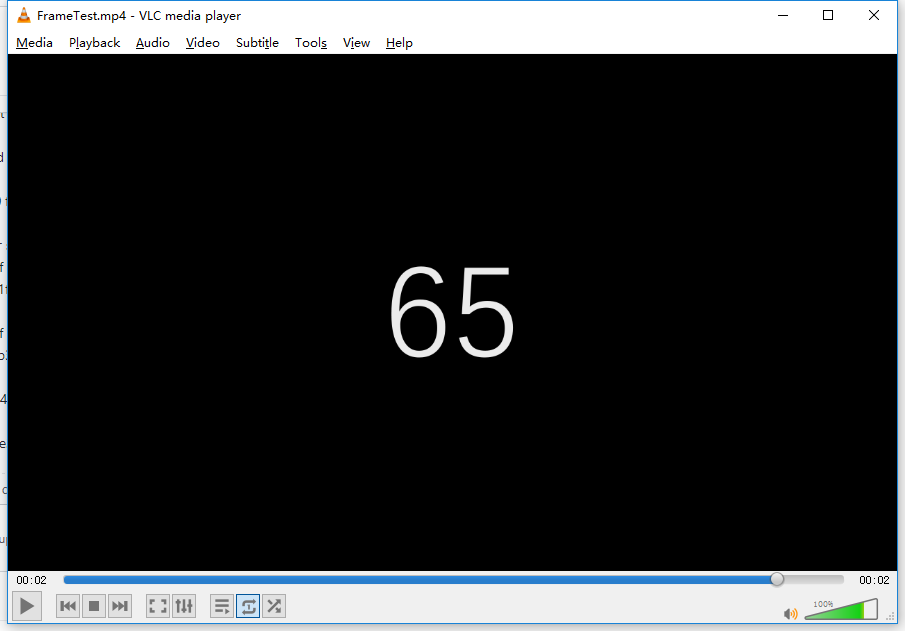
== What is the current bug behavior? Lost the last 5 frames, not rendered
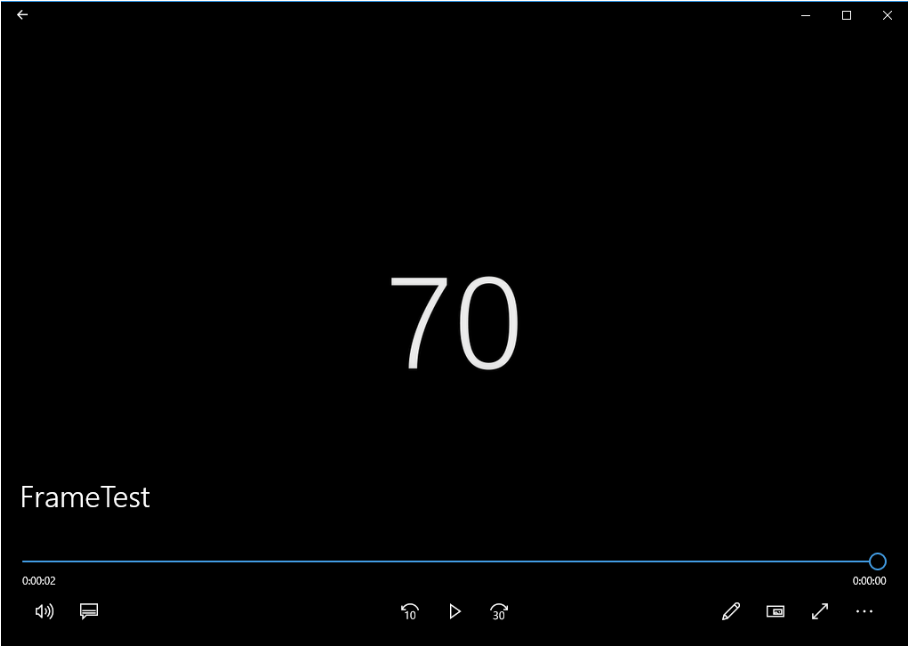
== What is the expected correct behavior? Should display the full 70 frames
== Relevant logs and/or screenshots
This image is the last frame of the VLC media player
This image is the last frame of the windows media player
Please download this MP4 file and try it out to see where the last frame is.
https://github.com/wayne2006/FrameTest/blob/master/FrameTest/FrameTest.mp4
== Environment OS: win10
LibVLC version and architecture 3.0.8.0
Thanks!